Don’t invest unless you’re prepared to lose all the money you invest. This is a high-risk investment and you are unlikely to be protected if something goes wrong. Take 2 minutes to learn more
A crypto wallet does not always need to be hacked directly for its funds to be stolen.
Sometimes, the attacker only needs to convince the wallet owner to install the wrong browser extension.
That is the lesson emerging from a recent investigation by security firm Socket, which linked 77 Firefox extension identities to what it calls the “Offside Wallet Theft Factory.” Of those, 40 were confirmed malicious, with extensions designed to steal recovery phrases, private keys, credentials or other sensitive information. Several impersonated popular Web3 products including OKX, Rabby Wallet and TronLink.
But how did these extensions get onto Firefox in the first place?
The Attack Started With Installation
The attackers did not necessarily need to break into Firefox and secretly install software on victims’ computers.
Instead, they created extensions that looked legitimate enough for users to install themselves.
Some were presented as cryptocurrency wallet tools. Others appeared to offer completely unrelated functions, including sports scores and ordinary utilities. This gave attackers another way to get their software into users’ browsers without immediately revealing its real purpose.
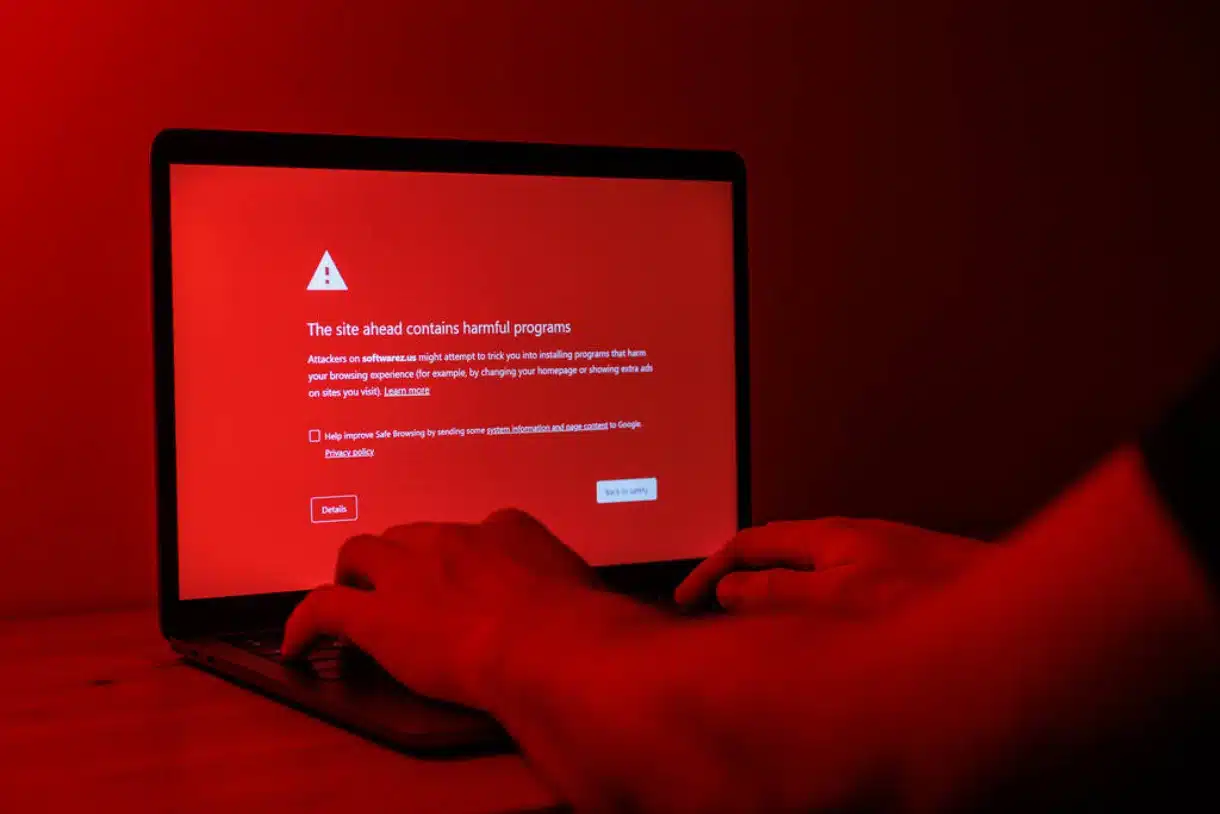
This distinction is important for crypto users.
Seeing an extension inside an official browser marketplace should not automatically be interpreted as proof that it is safe.
The malicious extensions investigated by Socket were published through Firefox’s add-on ecosystem, and some remained available while the investigation was taking place. Mozilla subsequently removed some of the reported extensions.
The Disguise Could Change Over Time
One of the more concerning findings was that the attackers did not always have to start with an obvious wallet scam.
Socket discovered nine confirmed malicious extension identities whose earlier versions had been used as sports-score applications before later versions were repurposed into wallet-stealing software. The extensions retained their Firefox identities while their functionality changed.
That creates a dangerous scenario for users.
An extension that appears harmless when installed may not necessarily remain harmless forever.
Socket also found extensions capable of receiving instructions from remote infrastructure, meaning some malicious behavior could be activated or changed without the attacker having to distribute an entirely new extension.
What Happens After Installation?
The real danger begins when a victim interacts with the malicious extension.
Some of the extensions displayed fake wallet interfaces designed to persuade users to enter their recovery phrases or private keys. Others contained modified wallet code capable of intercepting sensitive wallet information. Socket identified 15 extensions that captured wallet secrets and sent them to attacker-controlled infrastructure, while 13 modified Rabby builds were found to exfiltrate wallet keyrings before local encryption.
In other words, the attacker may not need to defeat the blockchain.
They only need the information that proves ownership of the wallet.
Once a recovery phrase or private key has been exposed, moving the funds to another address may be the only way to prevent an attacker from taking control.

What Should Crypto Users Learn from This?
The first lesson is simple: be extremely selective about browser extensions.
Before installing a wallet extension, check the developer, spelling, official website and links provided by the wallet project. A small spelling difference can be a warning sign. Researchers identified an extension called “0KX WEB3,” for example, which used a zero instead of the “O” in OKX.
Users should also avoid installing extensions simply because they promise useful features.
A sports-score extension, password tool, theme or utility may appear unrelated to cryptocurrency, but the investigation demonstrates that apparently harmless software can still become part of a broader malicious operation.
Most importantly, users should never enter a wallet’s recovery phrase into an extension merely because it asks for it.
A recovery phrase is not a password that should routinely be supplied to websites or browser add-ons. If an unfamiliar application suddenly asks for it, that should be treated as a major warning sign.
The Bigger Lesson for Web3
The Firefox campaign highlights a broader problem for the cryptocurrency industry.
Blockchain transactions may be difficult to reverse, but the software surrounding crypto can still be manipulated.
That means wallet security cannot depend entirely on the blockchain itself. Browser extensions, wallets, websites and other interfaces that sit between users and their assets must also be treated as part of the security equation.
For anyone who installed an extension identified as malicious in this campaign, simply uninstalling it is not enough. Socket advises treating wallets whose recovery phrases or private keys were exposed as compromised and moving assets to a newly generated wallet with a new recovery phrase.
The lesson is therefore bigger than Firefox.
In crypto, protecting your funds starts before you connect your wallet. Sometimes, the most important security decision is deciding what software you allow to sit between you and your money.
- Broker
- Min Deposit
- Score
- Visit Broker

- Award-winning Cryptocurrency trading platform
- $100 minimum deposit,
- FCA & Cysec regulated

- 20% welcome bonus of upto $10,000
- Minimum deposit $100
- Verify your account before the bonus is credited


- Fund Moneta Markets account with a minimum of $250
- Opt in using the form to claim your 50% deposit bonus
Learn to Trade
Never Miss A Trade Again

Signal Notification
Real-time signal notifications whenever a signal is opened, closes or Updated

Get Alerts
Immediate alerts to your email and mobile phone.

Entry Price Levels
Entry price level for every signal Just choose one of our Top Brokers in the list above to get all this free.